Everything your in-app community needs to supercharge your revenue

Benefit from a social feed your users come back for, AI moderation and support that run themselves, and the insights to act on what your community says.

Octopus Community features overview

Brands already winning with Octopus

Community features built to drive real business growth

1 to 3 days
of integration, on every platform
100%
of content checked by AI before it goes live
24
languages translated and supported out of the box
+20%
retention uplift, proven by A/B tests with control groups
Grow & engage

Turn new and occasional users into a daily habit

Community feed

One social feed supports every format.

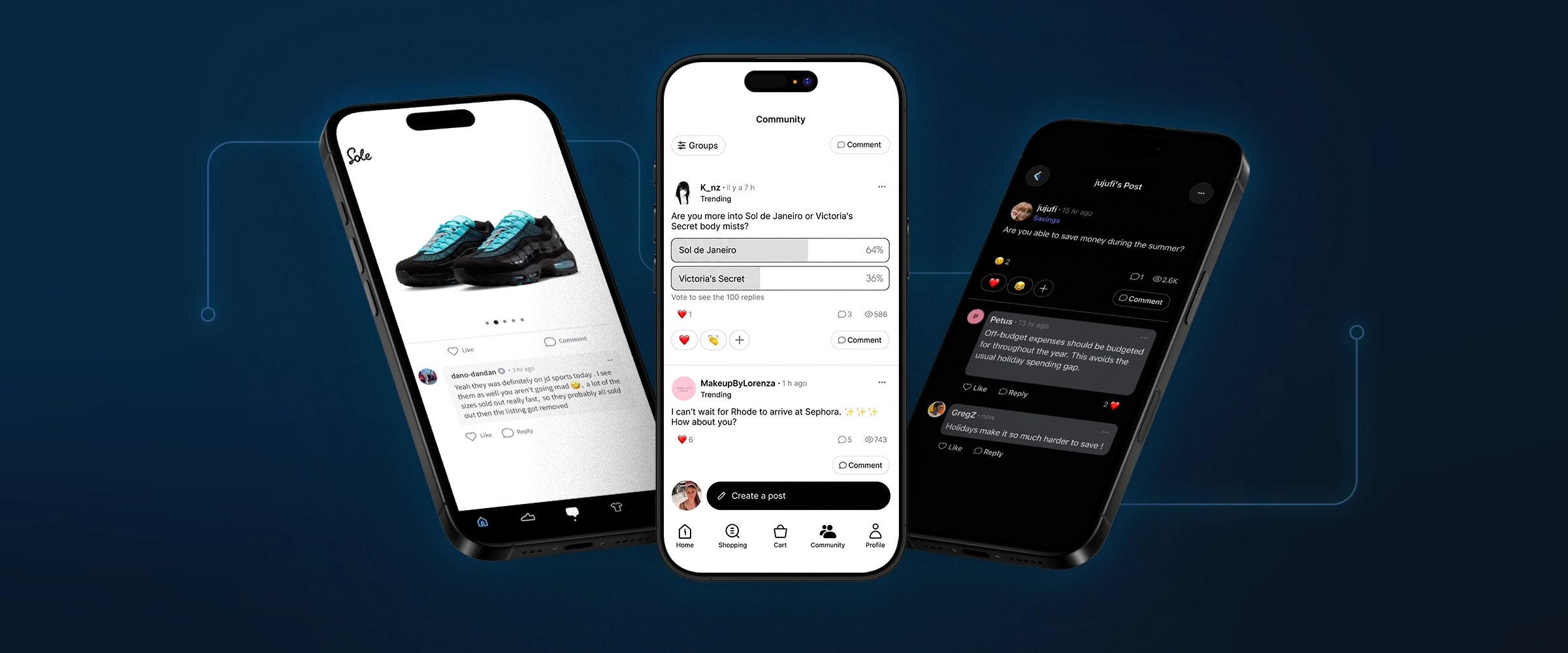
A single community button opens a real social space: a general feed plus topic feeds, where members and the brand post text, images, polls and video, react with six emotions instead of just a like, and add CTA buttons that send users anywhere in the app or beyond. Included by default across every SDK.

Specific features
General + topic feeds6 reactionsBrand video postsCTA buttons
  • OplaOpla: 51% of active users visited the community in its first week, with 3,000+ messages from 5,000+ visitors and 2.2x more app sessions for community users. Read case study →
Octopus Community social feed with text, image, poll and video posts
Smart feed & groups

A feed that knows what your users actually care about.

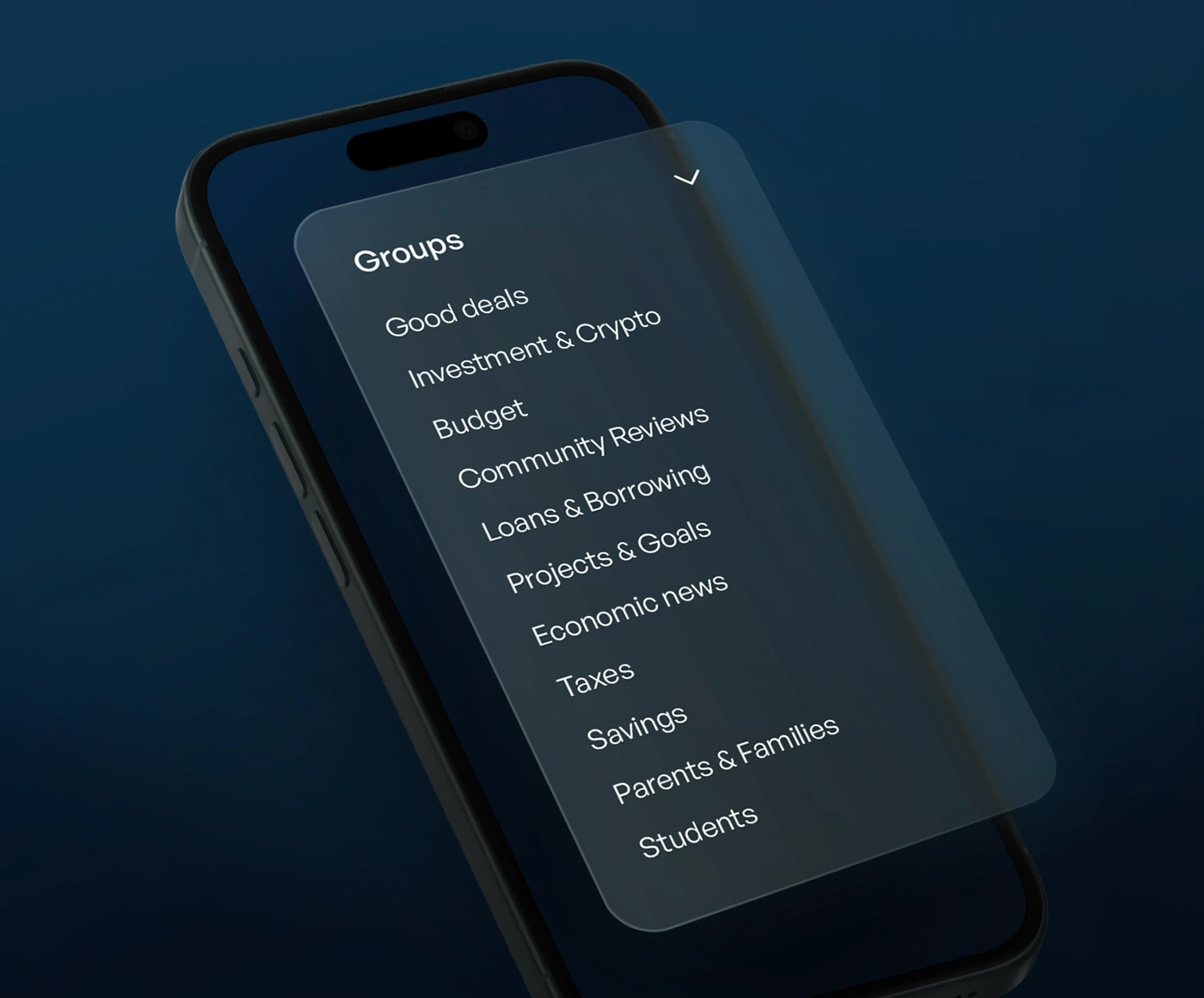
Users follow topic-based groups instead of drowning in one giant feed. The main feed blends what is newest, trending and from new members, filtered to only what they follow. Editorial boost and deprioritize controls let your team override the algorithm any time, and premium groups can be gated to subscribers, employees or beta testers.

Specific features
Groups & sectionsFollow-based personalizationPremium gatingManual boost / deprioritize
  • myLOOTmyLOOT: organized players into game-specific groups, part of a 2.1x lift in app opens for community users. Read case study →
Topic-based groups and personalized feed in an Octopus community
Gamification

Make participation feel like progress.

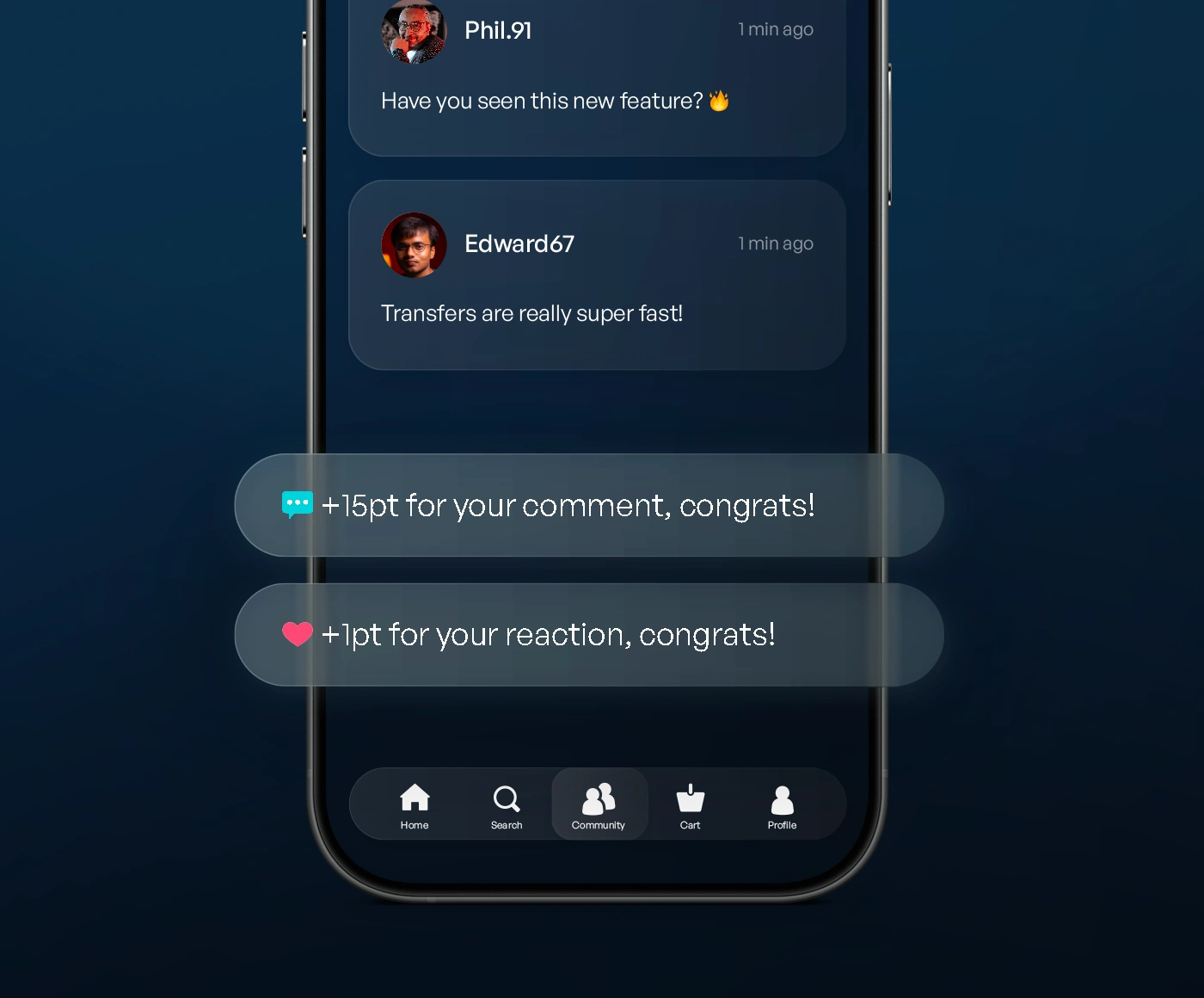
Users earn points for posting, commenting, reacting, completing a profile or logging in daily, unlocking levels shown as a visual badge across the community. Rename points (XP, gems, stars), set your own thresholds and pick your own badge colors. Safe to turn on for an existing community with zero disruption: points simply start counting from the moment it is switched on.

Specific features
6 point-earning actionsCustom levels & badgesSelf-correcting points
  • UnchaindUnchaind: 58% of community visitors actively contribute, and community users open the app 1.8x more often than others. Read case study →
Gamification levels and badges on community profiles
Linked posts (Bridge)

Connect every screen in your app to your community.

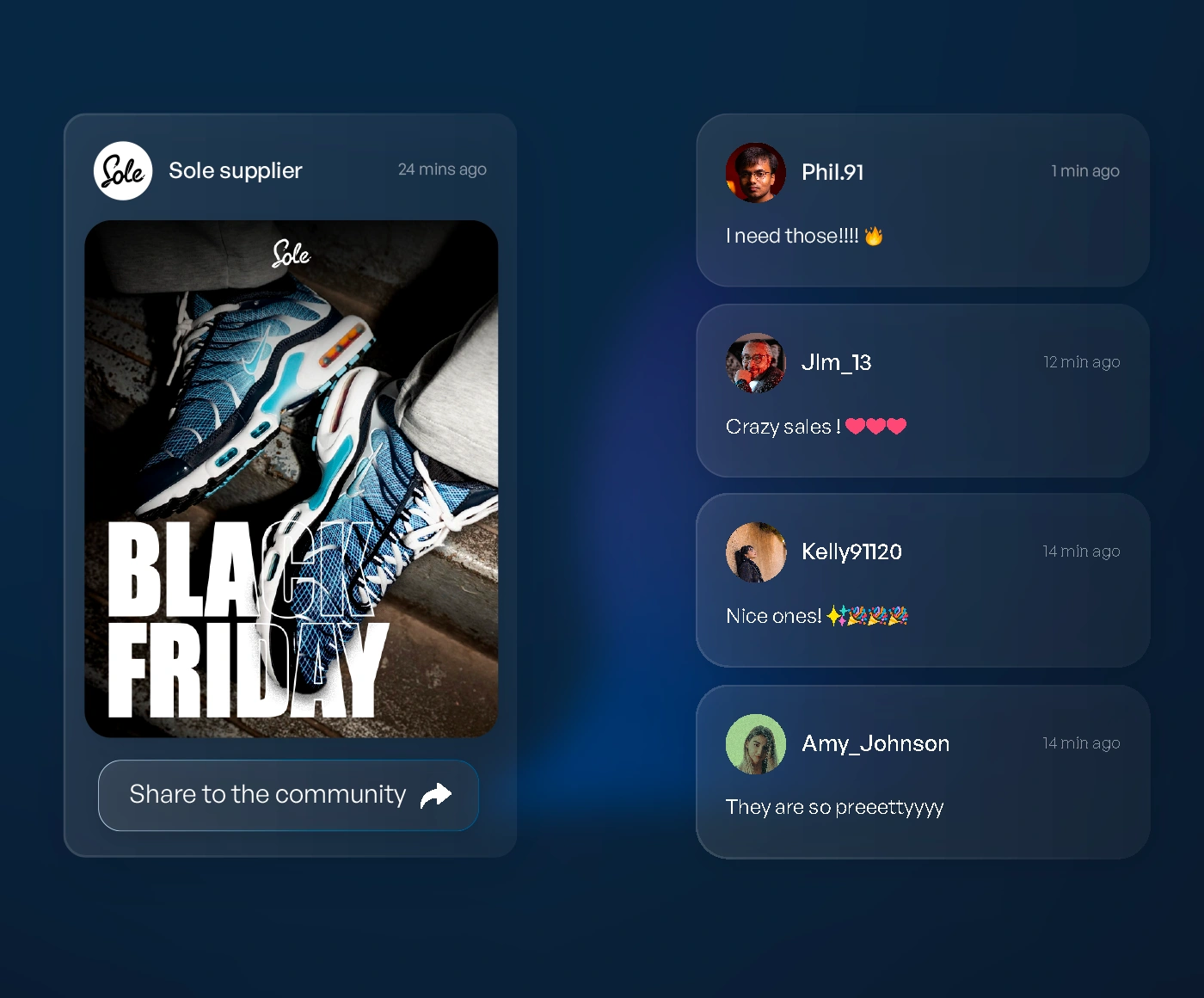
Linked posts (or Bridge posts) auto-create a branded discussion thread around any product, article or event. Share to community lets users publish their own achievement, a run, a score, a drawing, in one tap. Bridge to groups drops users straight into the right community space from any button or push notification. Every bridge can send users back into your app when they are done.

Specific features
Bridge to postsShare to communityBridge to groupsTwo-way deep links
  • Proven across industries: e-commerce product discussions, sports and betting match threads, and fitness, creative and gaming share-to-community moments.
A product page linked to its community discussion thread
Notifications & re-engagement

Give users a reason to come back, automatically.

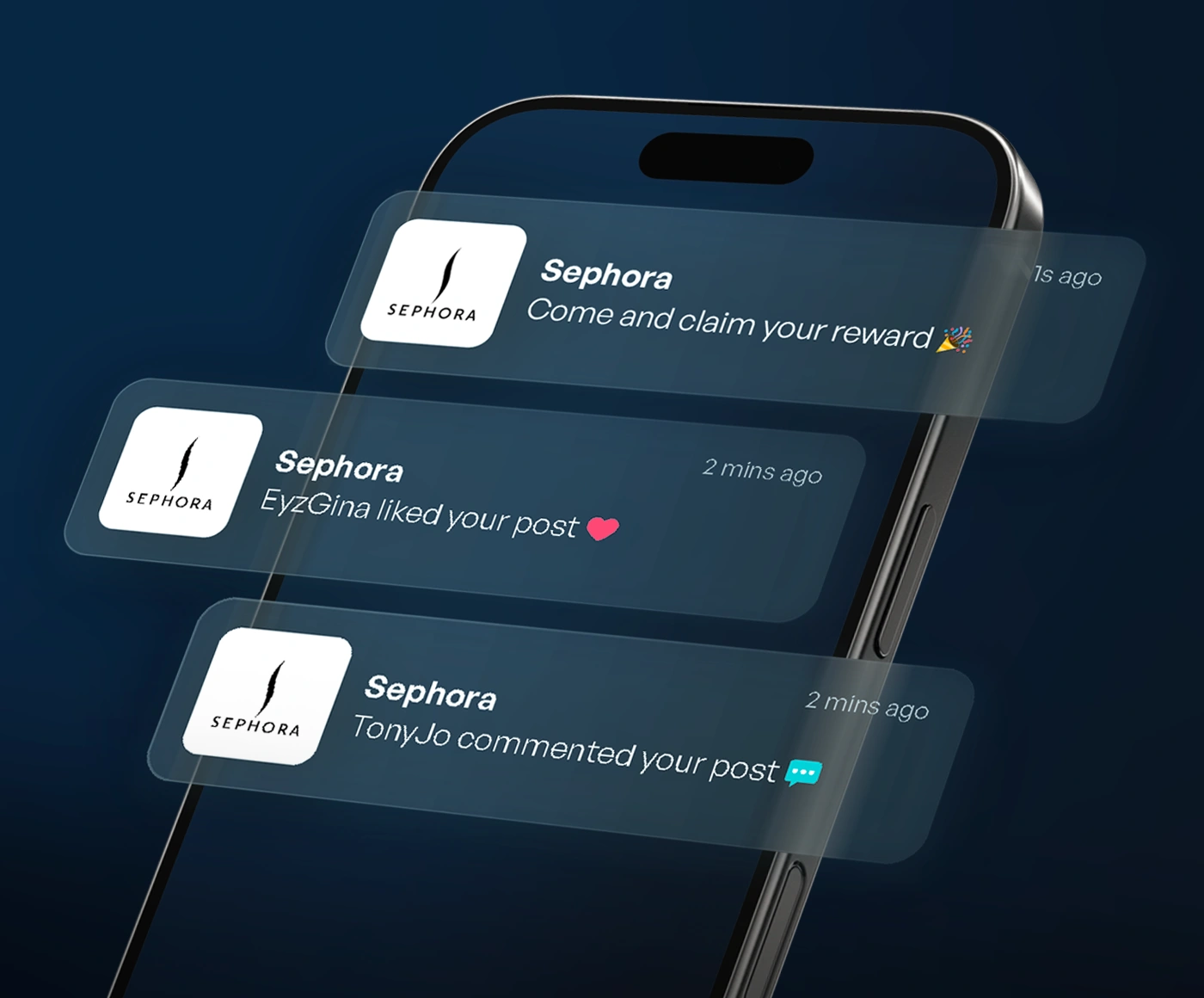
Push notifications alert users one to one when someone engages with their content, with built-in cooldowns and anti-fatigue throttling so it never feels like spam. A quiet badge on your app’s own navigation bar signals unread activity before anyone opens the community. Admins can broadcast a key post to everyone in one click.

Specific features
1:1 push (self-throttling)Notification badgeAdmin broadcast
  • Up to 4x boost to community discovery when Notify the community is paired with the notification badge.
Community push notifications on a phone lock screen
Profiles & connections

One identity on every screen.

If you already have a profile screen, Unified profile routes every community interaction into it, with no second, competing identity. Profile management gives your team unlimited branded identities (support, moderator, campaign) to post and reply under, shareable and transferable at any time. Zero data hand-off: it works through a ready-made SDK activity view, not a raw data export you have to build a UI for.

Specific features
Unified profileUnlimited team identitiesFast member search
Unified user profile shared between the app and its community
Web community

Your community, everywhere, not just in the app.

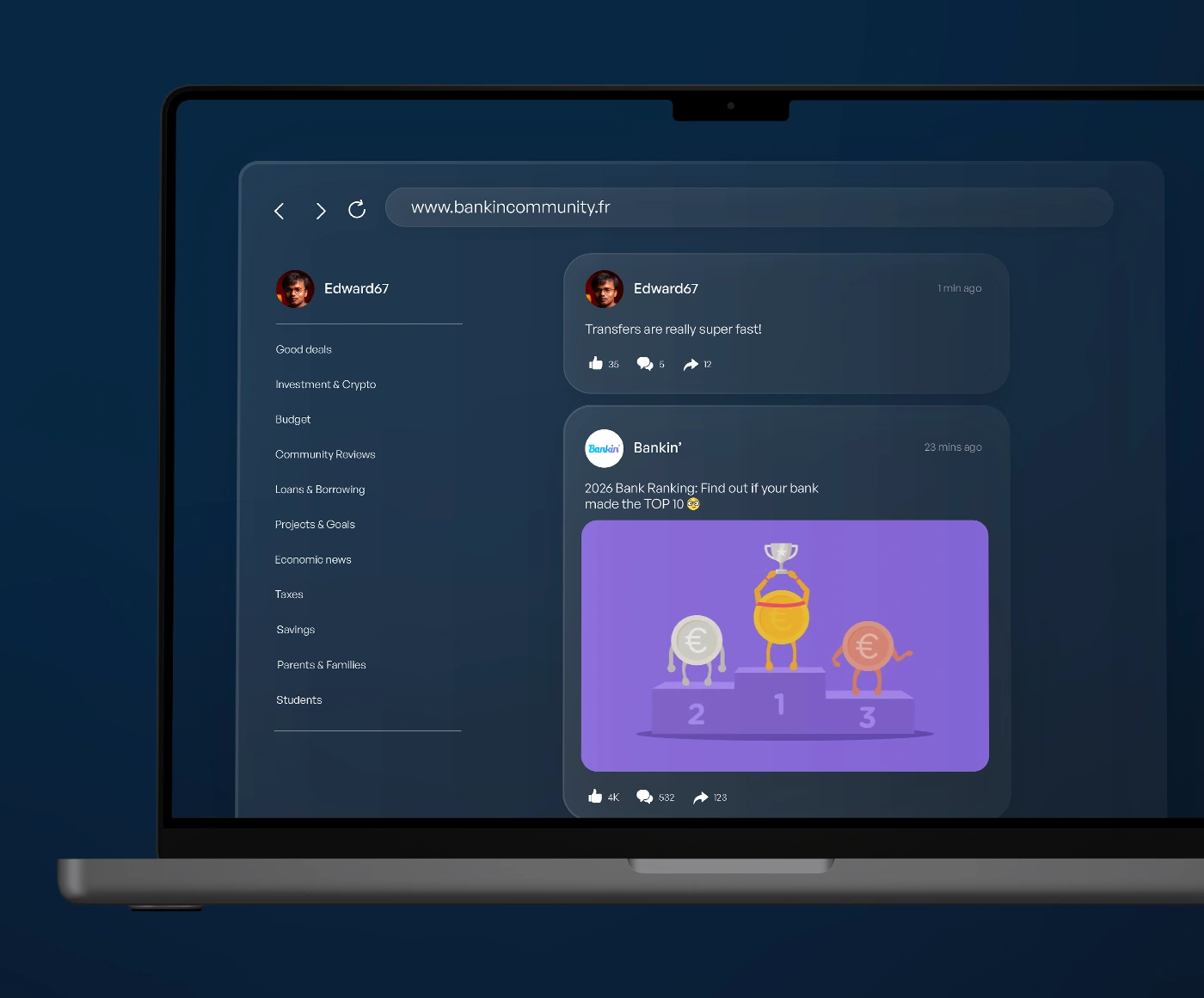
Every post, comment and reaction created in the app can be mirrored in real time to a browser-accessible version of your community, with no app install required to read it. Ships on a free Octopus subdomain or your own custom domain, and you choose whether it is indexed for SEO and AI-search reach or kept private as a pure app-install funnel.

Specific features
Real-time mirrorCustom domainSEO / AI-search optionalZero design work
A community mirrored on the web and in the mobile app
Automate moderation & support

Safety and support, without a headcount

AI moderation

AI moderation, overseen by humans.

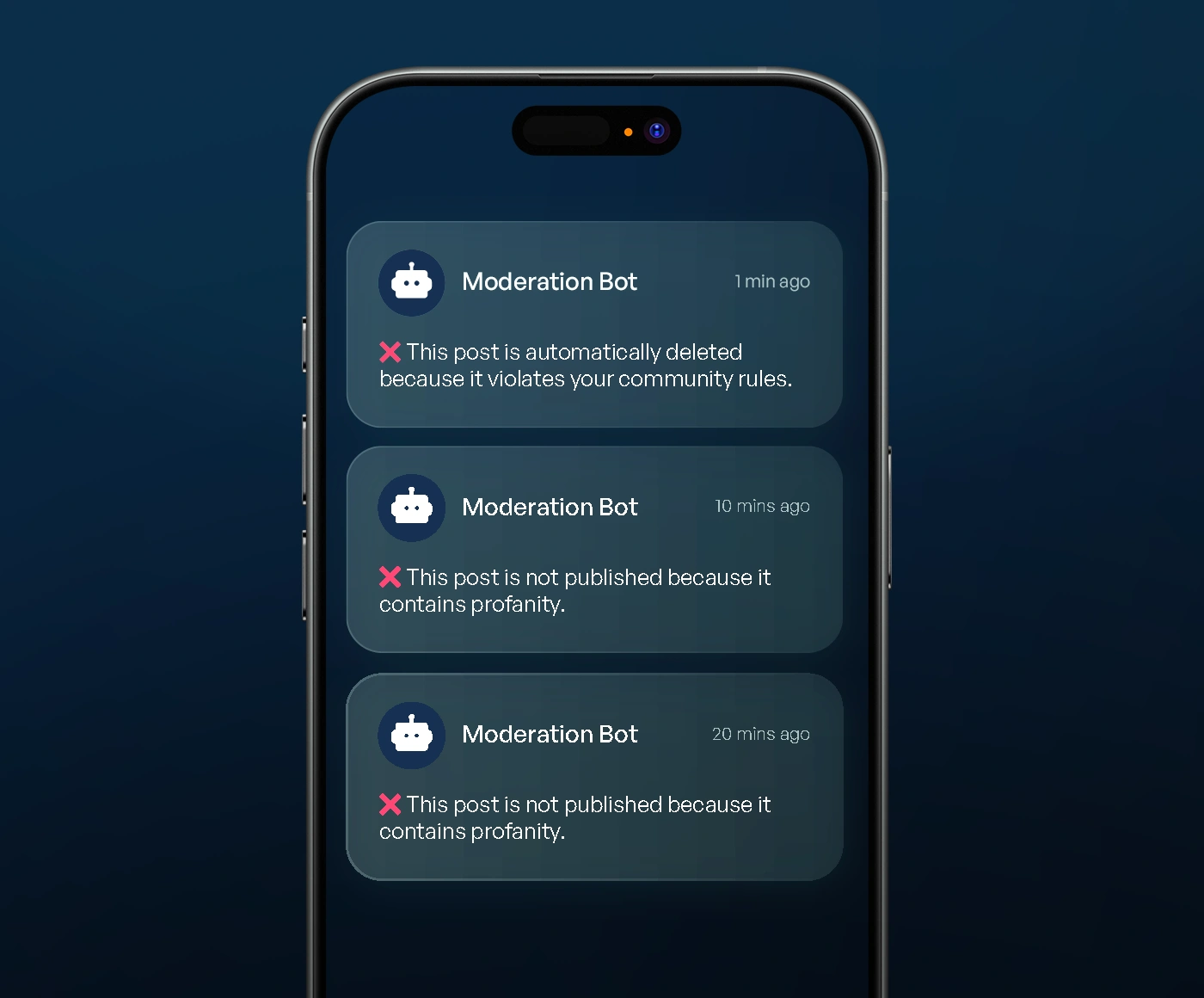
AI scores every piece of content against active policies the instant it is posted. Obvious violations are hidden, banned or shadowbanned automatically, while sensitive edge cases go to Octopus’s own human moderation team. Default policies already cover hate speech, spam, harassment and illegal content; you pick the action per policy and add fully custom rules.

Specific features
5 layers of defenseConfigurable actionsCompliance-ready defaultsEvery SDK
  • myLOOTmyLOOT: runs AI-powered moderation without a dedicated team: over 50% of user questions are resolved peer to peer before a support team ever sees them. Read case study →
AI moderation dashboard flagging a post
AI support

AI drafts the reply. Your team stays in control.

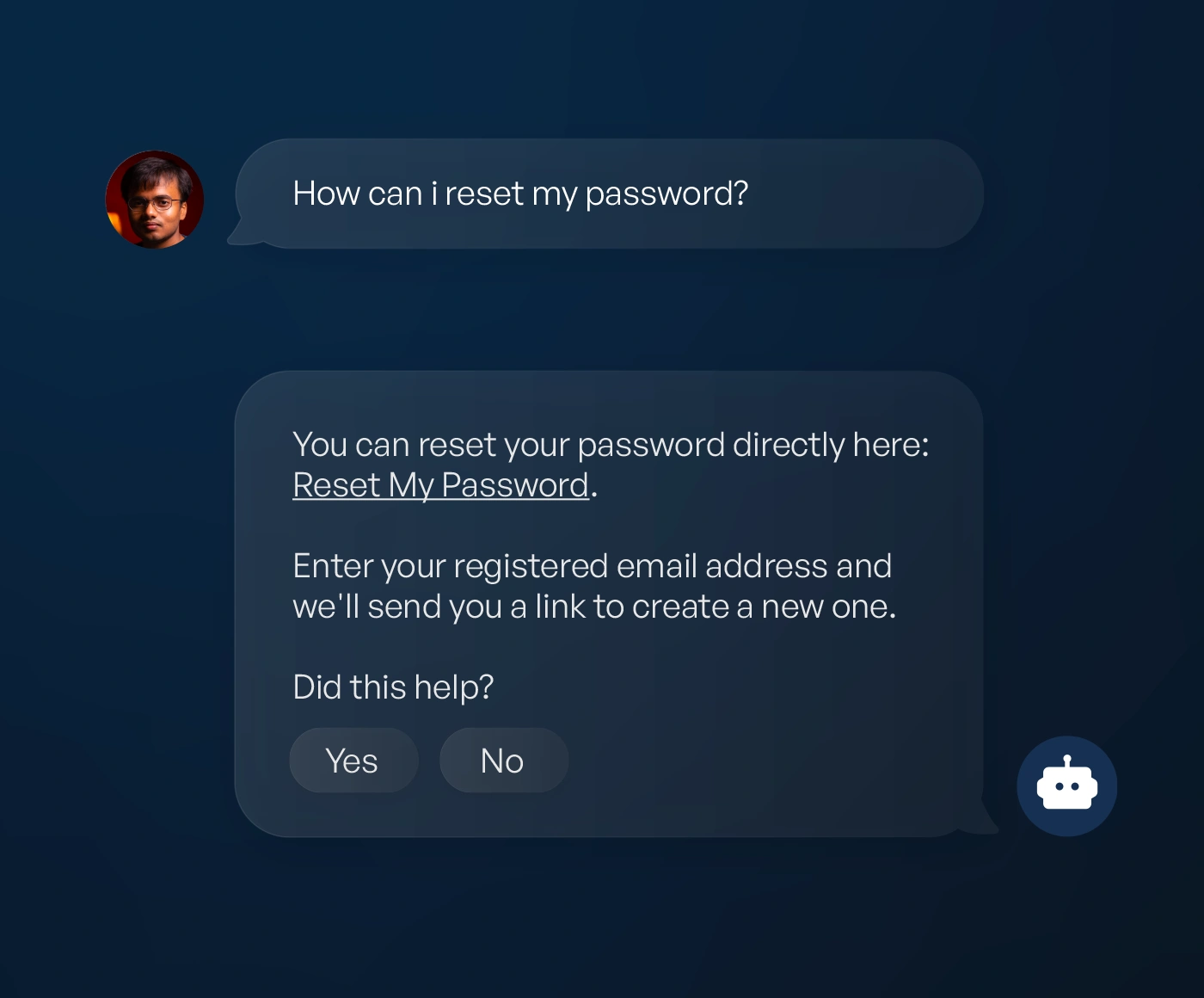
AI scans every message for support-type content and flags it in a dedicated tab. Reply with a saved quick answer, an AI-drafted response your team edits, or forward straight to your existing helpdesk or Slack channel. No new tool, and no unreviewed AI reply ever goes out. Zero engineering lift: all three response paths work from the dashboard immediately, with no SDK integration required.

Specific features
Auto-flaggingAI-drafted repliesZendesk / Slack forwarding
Support question flagged in the Octopus dashboard with an AI-drafted reply
Understand & reach every user

Know what users think, in every language

Sentiment dashboard

Thousands of conversations. One clear decision.

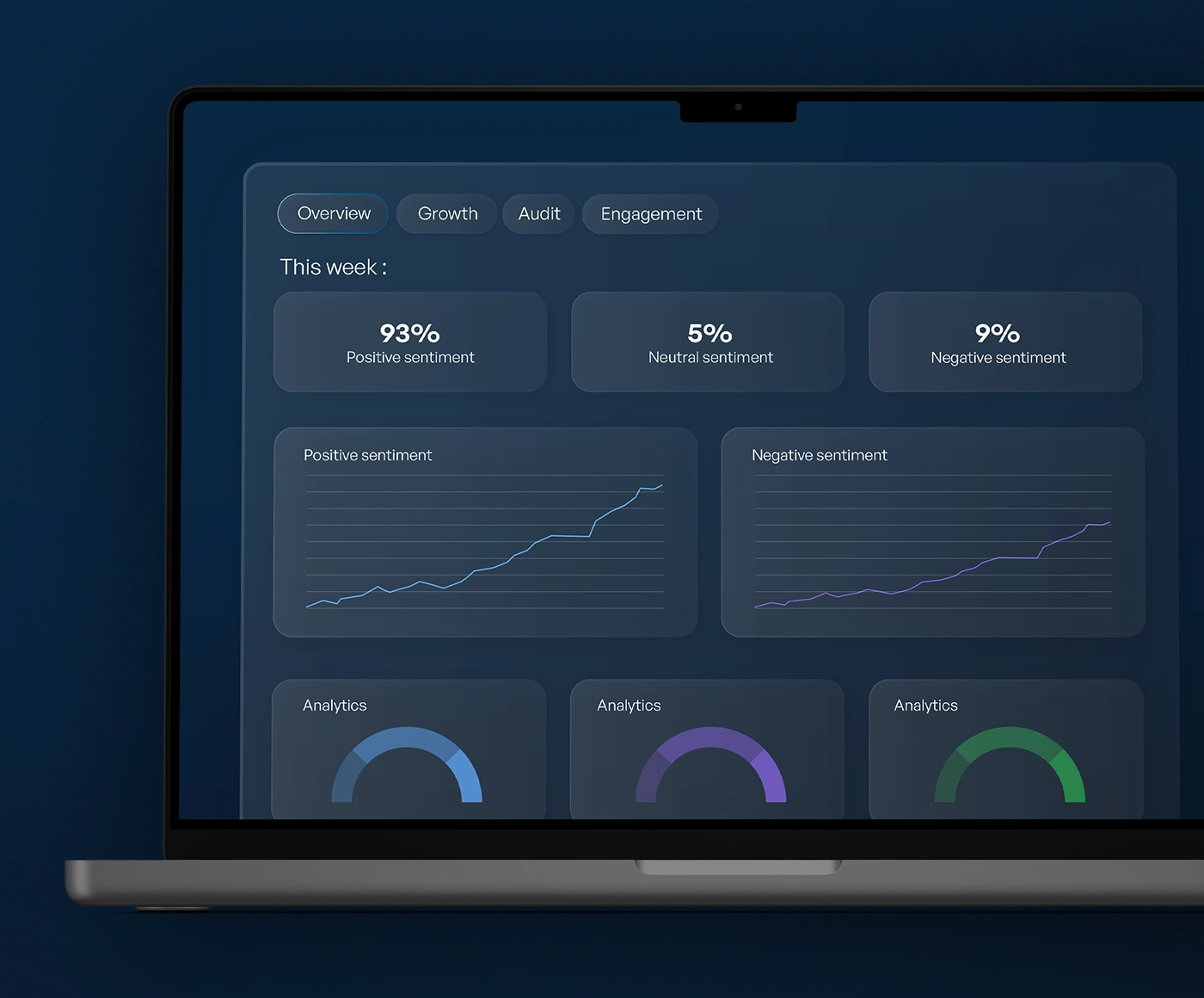
Every post, poll and comment is scored for sentiment and clustered into topics automatically, rolling up into a live 0 to 100 community score, a priority watchlist for emerging issues, and a written AI summary every morning telling you what to promote and what to fix. Ask Octopus anything about your community in plain language and get a sourced answer back instantly.

Specific features
Live sentiment scoreDaily AI summaryPriority watchlistMultilingual by default
  • Hotspot ShieldHotspot Shield: gathered around 10,000 poll responses: insight that would otherwise have required costly market research. Read case study →
Community sentiment score and trending topics dashboard
Instant translation

One community, connected by every language.

Every post, comment and reply is instantly translated into each reader’s own device language, with one tap to see the original, so a single global community replaces twenty-four fragmented ones. Moderation always runs on the original text, so accuracy is never affected by translation.

Specific features
24 languagesFull RTL supportZero engineering lift
  • Coin IDCoin ID: launched multilingual support across 6 languages from day one, unifying a previously fragmented global user base and now driving 3x more app opens for community users. Read case study →
A community post instantly translated into the reader’s language
Ads in your community

Turn community moments into a new revenue channel.

Octopus signals key community moments to your app, a member enters, opens a post or just published, and you decide which ones trigger your own full-screen ad. The ad, the network and the revenue are entirely yours; Octopus never sells or inserts ads itself.

Specific features
Your own ad networkEvent-based triggersiOS & AndroidFull revenue ownership
An ad moment triggered from a community interaction

Native social SDKs for every platform you ship on

iOS SDKNative iOSAndroid SDKAndroidFlutter SDKFlutterReact Native SDKReact NativeWebUnity SDKUnity
1 to 3 days
to integrate the core experience
6 SDKs
native iOS, Android, Flutter, React Native, Web and Unity
100%
backward-compatible feature rollout, by design
Monthly
SDK updates, new features included.

“Very simple integration, from half to a full day. Every SDK should work like this.”

Every feature meets startup to enterprise compliance

Data residency

Community content and moderation data are hosted in the EU.

GDPR & DSA compliant

Octopus acts as a data processor under GDPR. A Data Processing Agreement is available on request.

You own the data

Everything created inside the community legally belongs to you and can be exported at any time.

Minimal data footprint

We only ever receive a user ID from you, typically anonymized. No names, emails or other personal details.

5-layer moderation

Keyword pre-filter, AI contextual scoring, community reports, human review and optional dashboard control.

Human review for edge cases

Octopus’s own moderation team handles manual review, rule calibration and escalations in the background.

Custom rules

Every community launches with default rules, and you can layer in custom rules tuned to your audience.

Minimum age policy

A minimum age of 16 applies to all community accounts by default, with configurable age-gating available.

Frequently asked questions

How long does it take to integrate these features?

The core community experience (feed, groups, moderation) is typically 1 to 3 days of integration work. Optional features like gamification, instant translation, web community and Bridge are enabled on top afterwards, whenever they fit your roadmap. No need to plan for all twelve at once.

Do we have to enable all of these features at launch?

No. The core feed and AI moderation are included by default. Everything else (gamification, instant translation, web community, Bridge, ads) is optional and off by default, activated whenever it fits your roadmap.

Which features are self-serve, and which need your team to activate?

Day-to-day publishing, quick answers and moderation-rule tweaks are self-serve from the dashboard immediately. Initial setup of gamification, group access rules, instant translation, web community and Bridge is handled by the Octopus team, then mostly self-serve afterward.

Do older app versions break when a new feature ships?

No. Every feature is designed to degrade gracefully. Reactions fall back to a plain heart, CTA and video posts simply do not render, and restricted groups are not returned by the API on older SDK versions. Nothing crashes, and nothing is retroactive: users get the full experience once they update.

Can we run a text-only community, or turn off photos and polls?

Yes. Photos and polls are on by default but can be turned off per community, independently for posts, comments and replies. Existing content stays visible; the setting only affects new posts.

How is the community moderated, and is it safe?

Octopus runs five layers of moderation: AI analysis of every message, keyword blocking, community-based reporting, our internal human moderation team, and controls you can use yourself to ban, hide or redirect any post. Our AI handles most of the workload automatically, flagging forbidden content, shadow-banning negative messages, routing posts to the right group and alerting you only when something actually needs your attention. All rules and actions are customizable to your needs, keeping the community safe, positive and free of legally problematic content.

How are customer support questions handled inside the community?

Octopus AI automatically recognizes support questions and routes them however you choose: opening a ticket in your existing support tool, answering automatically from your FAQ, notifying your team, hiding the question from the main feed or redirecting it to a dedicated help group. This keeps your community free of spam and off-topic noise while streamlining every question into the support process you already run, with zero extra work on your end.

Turn your users into a retention engine.

Book 30 minutes with us. We’ll show you the SDK running inside an app like yours.