TL;DR
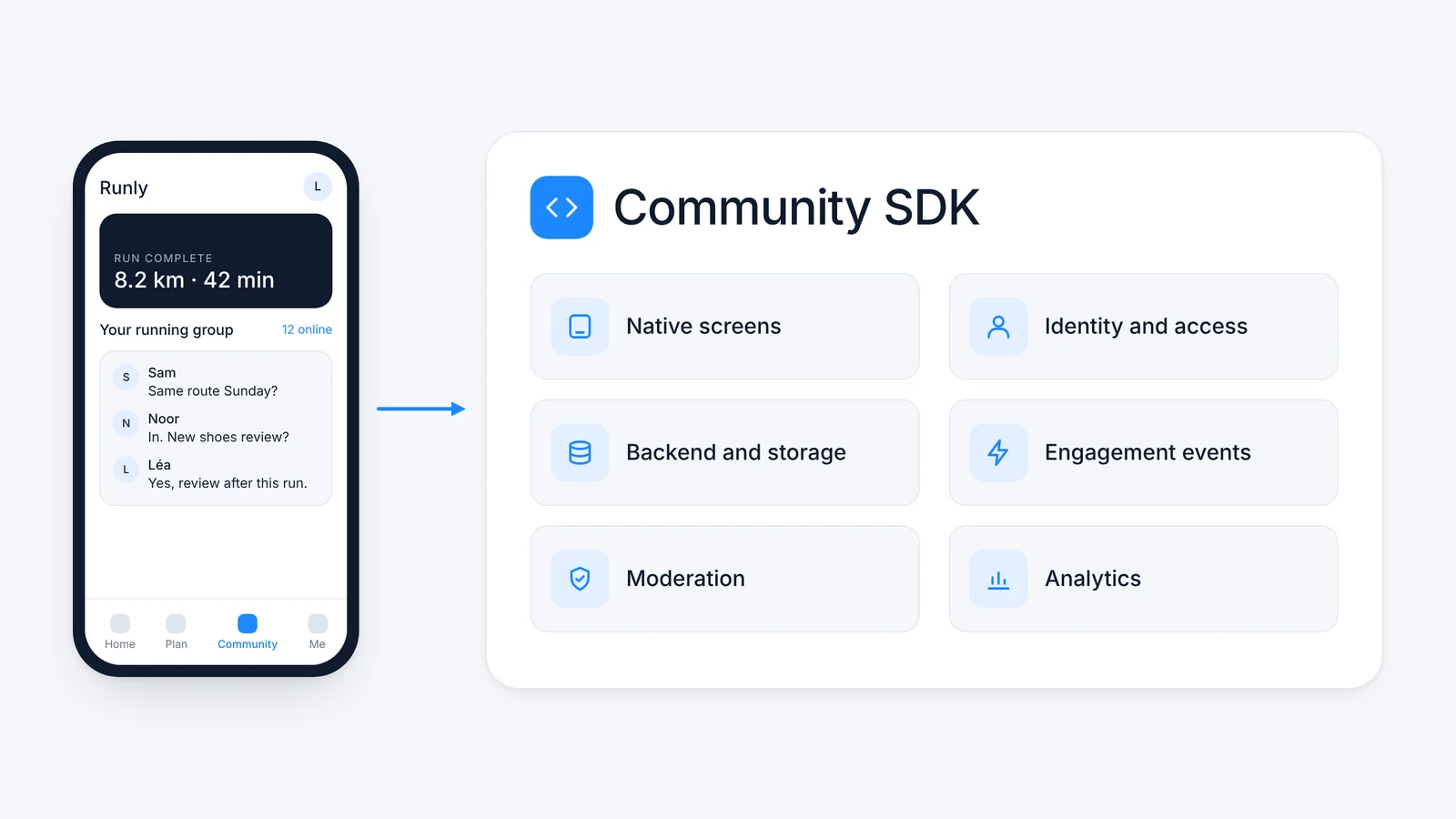
A Community SDK is a packaged operating stack for adding community to an existing app. It should provide more than screens for posts and comments: native components, identity integration, backend and storage, engagement events, moderation, analytics, and ongoing platform maintenance all belong in the system. The app team still owns the member experience, data decisions, and product integration. The provider removes the need to build and operate the generic community infrastructure from scratch.
What is a Community SDK?
A Community SDK is packaged community infrastructure delivered through platform-specific software development kits and supporting services. It gives an existing app a native community layer without asking the product team to build the entire operating stack itself.
A Community SDK is often described as a faster way to add a feed to an app. That definition is too small. Rendering posts is the visible part; identity, storage, moderation, notifications, analytics, and long-term maintenance are the system that keeps the experience usable after launch.
What belongs in a complete Community SDK
AWS describes an SDK as a platform-specific set of development tools that can include libraries, documentation, code samples, and APIs. A Community SDK applies that model to a particular product problem. The complete stack has several jobs.
Native presentation and navigation
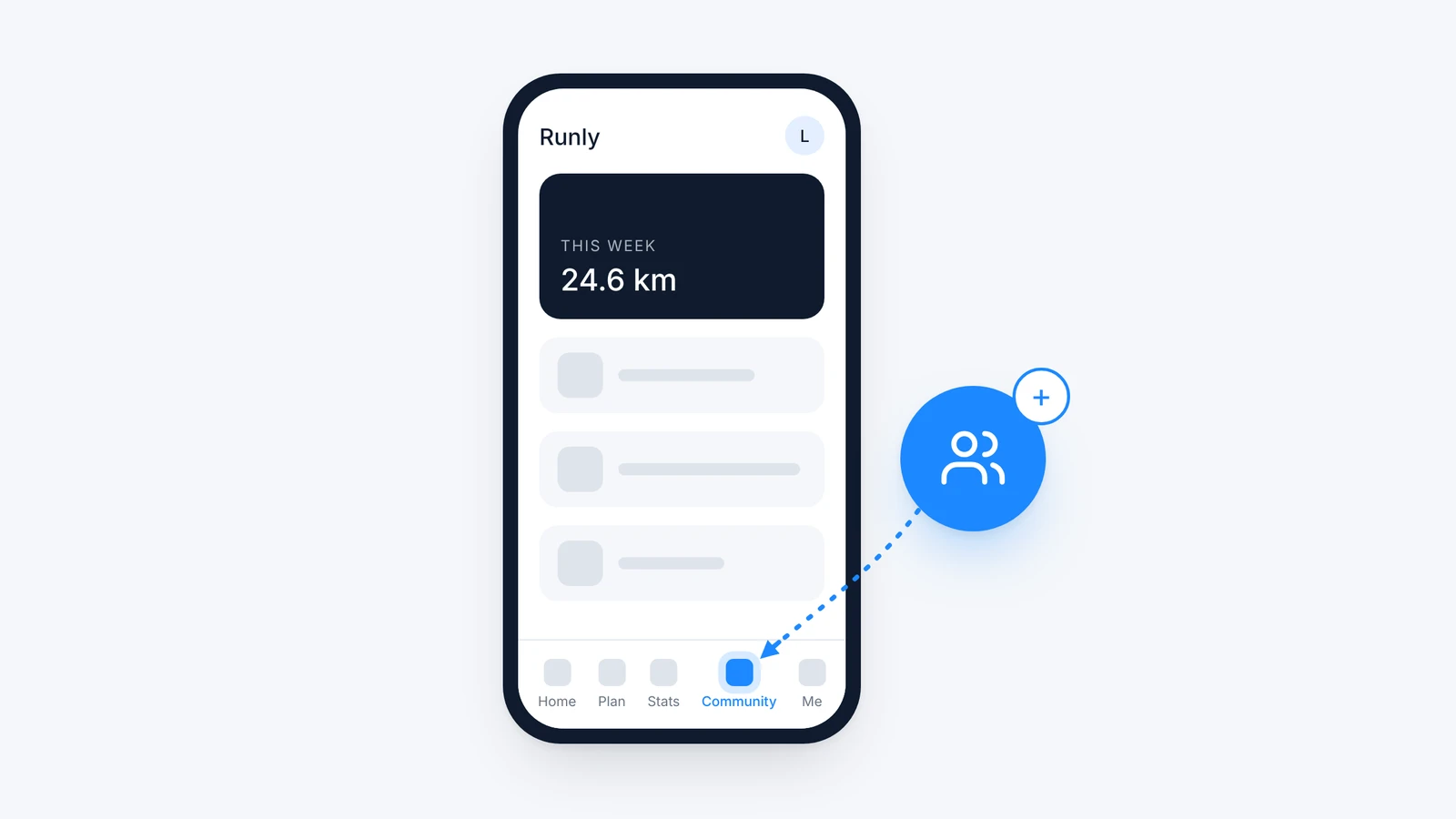
The SDK supplies UI components for feeds, posts, comments, reactions, profiles, groups, polls, or other community formats. Those components should fit the host app's navigation and visual system. A community that looks like a browser window wearing an app-shaped hat will always feel secondary.
Identity and access
Members should not create a second account or manage a second login. The app remains the identity authority and passes the information the community needs through a secure single sign-on flow. Roles, bans, deleted accounts, and profile updates also need defined ownership.
Backend, storage, and delivery
Community content needs APIs, databases, media handling, caching, pagination, search, and delivery at production scale. This layer also determines data location, retention, export, deletion, and recovery. It is invisible when it works and becomes the whole roadmap when it does not.
Engagement events
Replies, mentions, reactions, new group activity, challenge progress, and other events can create relevant notifications and badges. The SDK should expose enough control to connect these events to the app's existing communication and preference model.
Moderation and operations
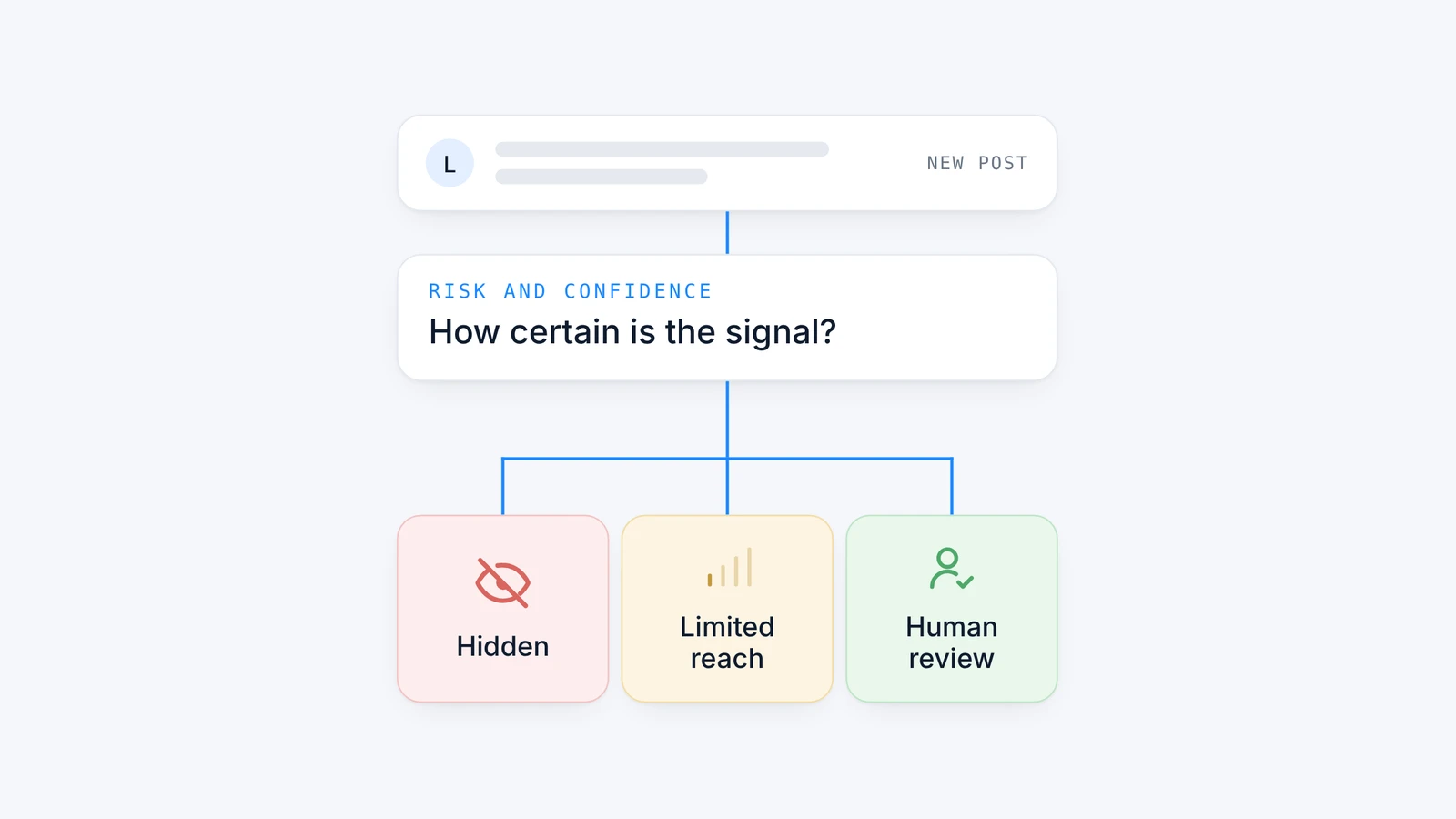
User-generated content creates an operating responsibility from the first post. Filtering, contextual analysis, reports, member actions, escalation, and human review should be part of the design rather than an emergency project after the first incident.
Analytics and administration
Product teams need to see discovery, visits, contributions, responses, repeat participation, and the relationship between community use and the rest of the app. Community managers need tools for content, members, rules, and interventions. An SDK without an operating surface has transferred code but not the work.
How a Community SDK works inside an app
The host app provides the entry point and decides where community belongs in the user journey. When a signed-in user opens that area, the app's backend creates a secure identity token. The SDK uses the token to start the community session, render the appropriate native components, and retrieve the member's content and permissions from the service backend.
The Octopus Authentication (JWT) guide specifies that the client backend signs a token with a persistent, immutable user identifier. The signing secret stays on the backend rather than in the mobile application. We provide separate sandbox and production communities so teams can test without mixing development activity with live members.
Developers can start with the platform quickstarts for Android, iOS, Flutter, React Native, or Unity. Each guide covers installation and initialization on that platform. That is more useful during implementation than sending an engineering team to the documentation homepage and wishing them luck.
The next implementation steps also have exact documentation. Connect your users covers SSO sessions and app-managed profile fields. Display the community covers native entry points and navigation. Configuration and lifecycle covers initialization, switching communities, and foreground or background behavior. Review these boundaries before launch, while ownership is still easy to change.
The SDK then handles community interactions while the host app controls the surrounding product experience. Events such as a reply or a new badge can connect back to the app's notification system. Analytics can combine community behavior with product cohorts, provided the team defines the identifiers and data flow before implementation.
A Community SDK is not the same as an API
An API defines how software components exchange requests and data. An SDK packages code and tools for building on a specific platform, and it may use many APIs internally. A community API can give an engineering team raw access to posts, users, or reactions. A Community SDK should also solve the platform integration, UI, lifecycle, and operational work around those objects.
This distinction sets the boundary with a Social SDK. A Social SDK may add a modular capability such as chat, activity feeds, sharing, or reactions. A Community SDK is the broader operating stack for a persistent member space with identity, content structures, governance, engagement, analytics, and administration. One is not inherently better; they solve different scopes.
What the app team should still own
Buying infrastructure does not outsource product judgment. The app team should decide which users get access, where the community appears, what first action makes sense, how community connects to the core product, which data is shared, and which outcomes define success.
The team should also review every third-party SDK as part of its own application. Android's SDK guidance is explicit that app developers remain responsible for an SDK's data collection and behavior. We recommend documenting permissions, data flows, storage region, deletion paths, dependency size, release process, and incident ownership before launch.
At Octopus, we own the reusable infrastructure and most day-to-day moderation, support triage, and community operations. The app team owns the member promise, product goals, policy choices, and exceptional escalations. It does not need a dedicated community or moderation team. Confusing these responsibilities is how a technically successful integration becomes a strategically empty tab.
“Engineers underestimate what the community needs to know about each user. One client wanted parents following their baby's development to land directly in their own group. That only works if the app tells us which profile the user has, so it belongs in the integration plan, not in a later sprint. When nobody owns those decisions, every member lands in the same generic feed and the community feels irrelevant.”
Hélène Quériault, Co-founder and COO, Octopus Community
What implementation looks like in practice
Bankin integrated the Octopus iOS SDK in roughly half a day to one day. The authentication token took the largest share of the work, which is consistent with our experience: identity decisions usually deserve more attention than placing the first screen. The team then ran a 70/30 rollout and operated the community inside the existing banking app.
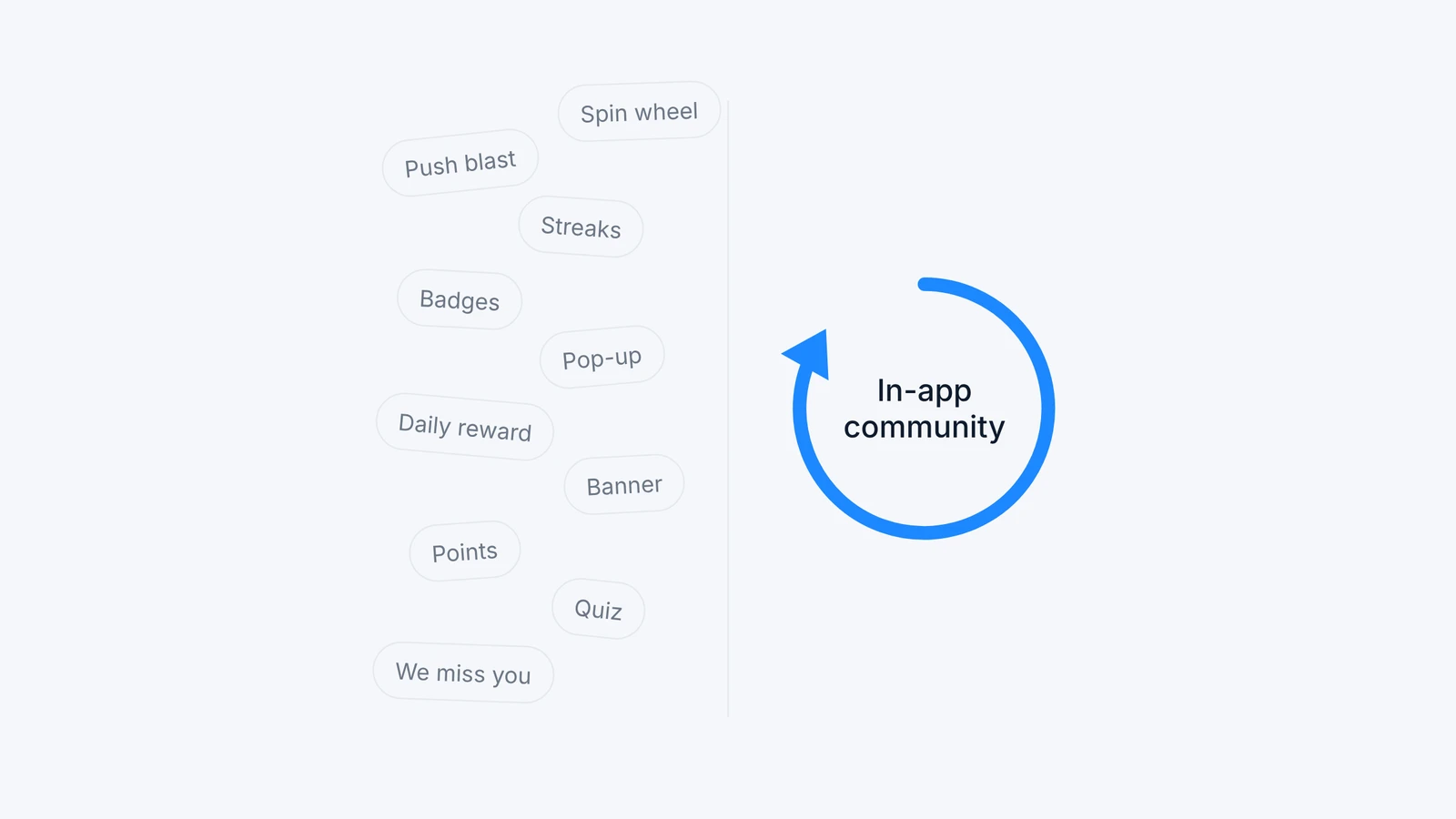
RunMotion Coach connected single sign-on on the backend in about ten minutes and completed the wider integration within a few hours. The product used custom events, a navigation badge, targeted push notifications, and monthly challenges. That matters because an SDK installation alone does not create engagement; the integration must connect community events to the product's return loop.
Across our implementations, we support six SDKs: iOS, Android, Flutter, React Native, Web, and Unity. The core community feed and AI moderation are included by default. Gamification, instant translation, web community, Bridge, and ads are optional and off by default, so teams enable them when the use case requires them. We handle the community UI, backend, storage, moderation, and ongoing platform maintenance. The app team keeps its account system and product architecture while deciding how community fits the experience.
How to decide between building and using a Community SDK
Our recommendation is simple: almost never build a community stack in-house unless community itself is the product, as it is for a social media app. The visible feed is the easy part. The durable work is identity, moderation, infrastructure, notifications, analytics, compliance, SDK upkeep, and app-store changes. Owning that stack means choosing a multi-year platform roadmap.
Use a Community SDK when the differentiation lies in the app's audience and use case rather than in rebuilding generic social infrastructure. The case is not merely that a feed launches faster. It is that engineers stay focused on the core product while community operates as a first-class capability.
With Octopus, the core experience typically takes one to three days to integrate. After launch, we operate the reusable infrastructure, moderation, and most daily community workflows. The app team invests in product placement, testing, and analytics, then remains involved for direction and exceptional escalations rather than staffing another platform.
Add community infrastructure without inheriting another platform roadmap
A Community SDK should shorten implementation and remove recurring operational work without taking product control away from the app team. That is the standard we use at Octopus: native integration, secure identity, managed infrastructure, engagement tools, analytics, and multilingual moderation in one operating layer. Review our Community SDK features or book a demo to discuss your architecture and ownership requirements.
Frequently asked questions
Does a Community SDK replace our backend?
No. It provides the backend and services for the community layer. Your application backend still owns core product data and normally remains the authority for user identity. The integration defines the minimum information shared between the two systems.
Will the community feel native?
It should. Review platform components, branding controls, navigation, accessibility, performance, and release behavior. “Native” is not only a visual claim; the experience should also follow the app's identity, notification, and lifecycle conventions.
How long does integration take?
Our core integrations commonly take one to three days, and the public Bankin and RunMotion examples fall within that range. Timing changes with authentication, custom design, analytics, release review, and internal security processes. Scope those dependencies before treating the SDK installation as the whole project.
Who owns community data?
The contract and architecture should answer that precisely. Our clients own their data, and we offer EU hosting. Any team assessing a provider should confirm data location, subprocessors, export, deletion, access controls, and what happens when the relationship ends.
How does a Community SDK handle authentication?
The host application should remain the identity authority. Its backend creates a short-lived signed token that carries the minimum user information and permissions the community needs. Keep signing secrets out of the mobile client, document account updates and bans, and test expired or invalid tokens before launch.
What should we test before a production launch?
Test identity, roles, navigation, deep links, event tracking, notifications, moderation, analytics, accessibility, and failure states in a separate environment. Confirm data flows, deletion paths, escalation ownership, and rollback. A feed that renders correctly is only one part of production readiness.
What work remains after launch?
The app team still owns goals, product context, policy choices, and exceptional escalations. Octopus handles the reusable infrastructure, AI screening, human review for sensitive edge cases, and most routine community operations. You need an accountable product owner, not a separate team reading every post.