TL;DR
An in-app community pays off when joining takes no effort, the feed is full on day one and interacting takes one tap. Keep the conversation inside your app, send fewer and better notifications, and link the community from every product screen. Gamification, AI moderation and an ambassador program keep it alive without a big team. Then put what members say to work in product, CRM, content and acquisition: that is where engagement turns into revenue.
The in-app communities that pay off follow ten practices. Make joining effortless, fill the feed before launch, make interacting take one tap, keep the community inside your app, send fewer and better notifications, link the community from every product screen, reward the behavior you want, let AI handle moderation and first-line support, turn top members into ambassadors and read what members say. The rest of this article takes each tip in turn, with the numbers we see in the communities we run.
It expands the talk we gave at App Growth Summit San Francisco in September 2026, “Turning community into monetization: do’s and don’ts”.
Why do in-app communities matter for app revenue?
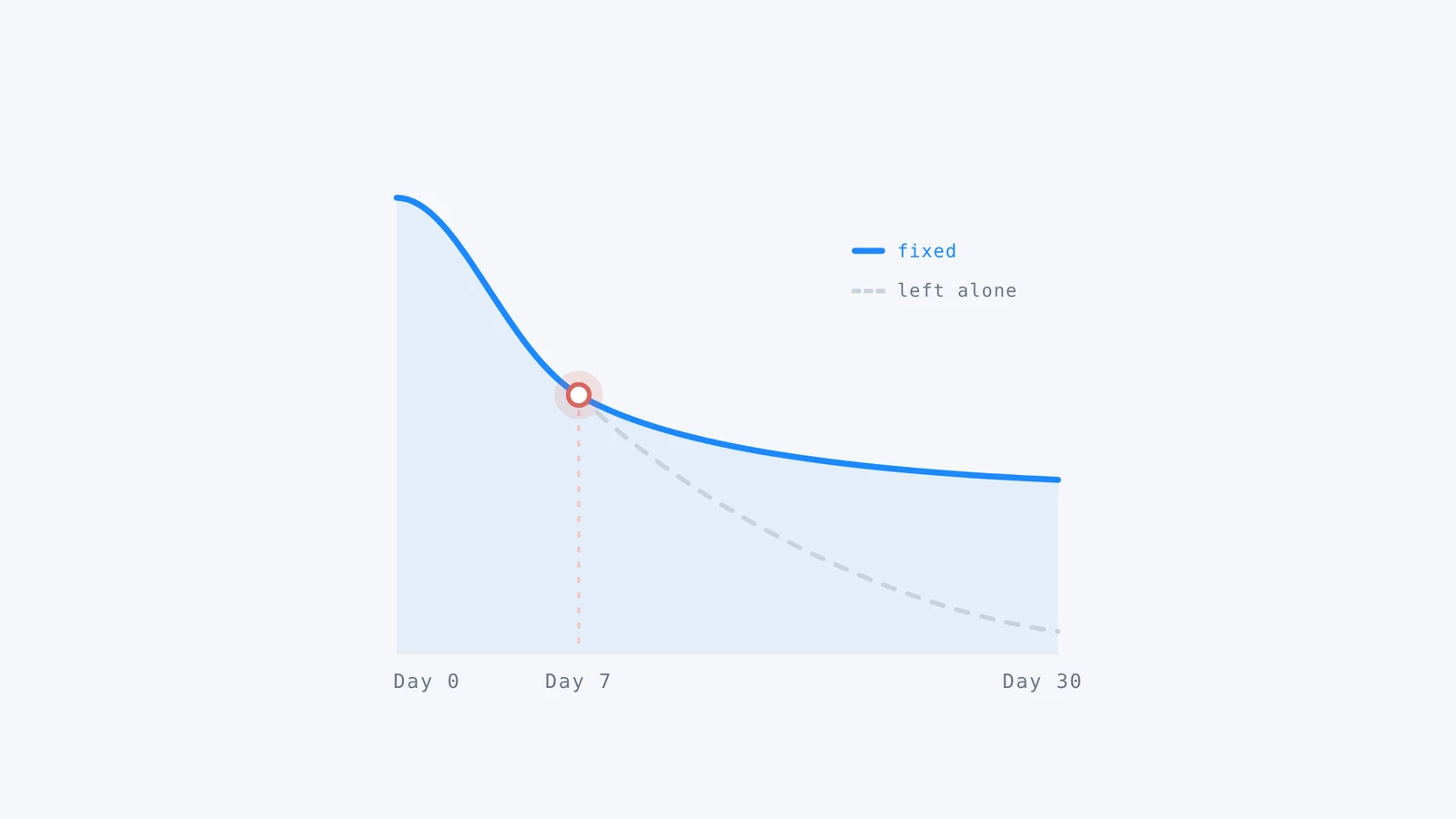
Most apps lose almost everyone they acquire. In AppsFlyer benchmarks compiled by Braze, fewer than 7% of iOS users are still active 30 days after install in 16 of 17 app categories. Competition for attention is also getting harder: Appfigures data reported by TechCrunch shows 80% more new apps on the iOS App Store in Q1 2026 than in Q1 2025.
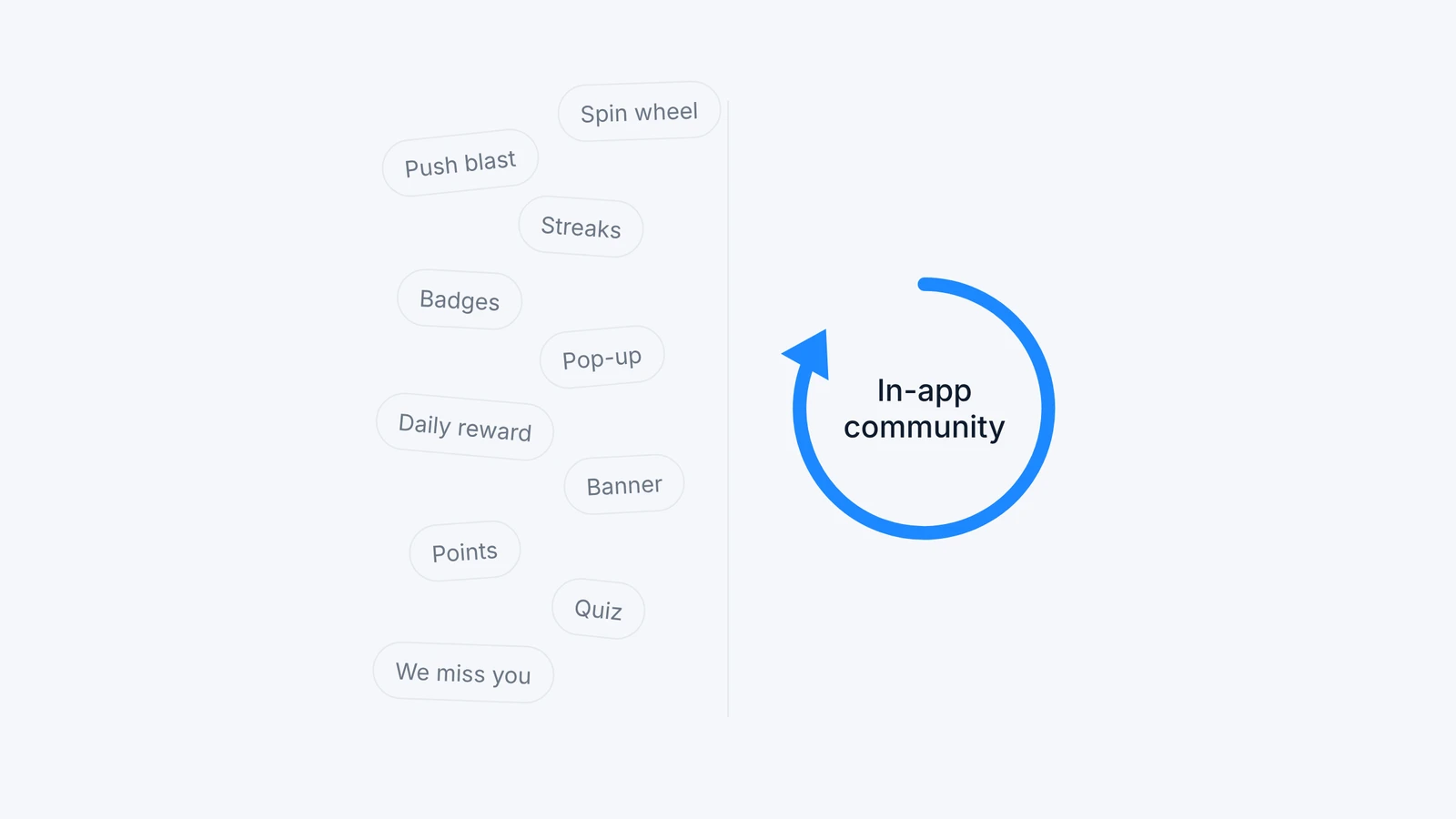
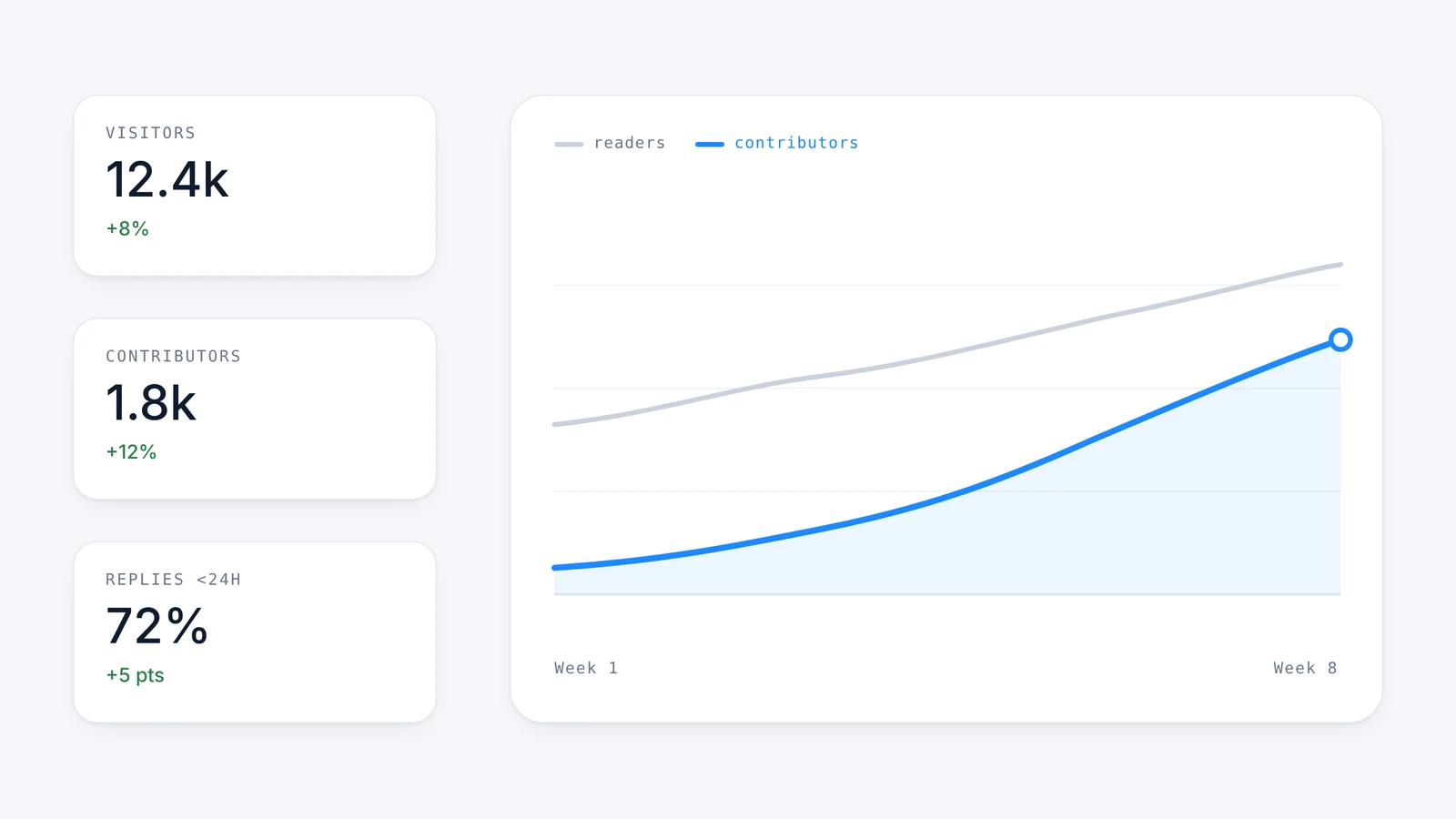
Paywalls, onboarding tweaks and push campaigns all help, then plateau. A community adds a reason to come back that your roadmap does not have to produce: other people who use the same app. Across the communities we run, apps see on average a 20% retention uplift and a 12% monetization uplift after six months, about 30% of users visit the community, and community users open the app 2.5x more often.
Teams that hesitate usually name three blockers: the time moderation takes, the engineering effort to build and maintain a social layer, and the fear of an empty room. The ten tips below answer all three. For the fundamentals, start with our complete guide to in-app communities.
The 10 tips at a glance
| # | Tip | What to do | Metric to watch |
|---|---|---|---|
| 1 | Frictionless onboarding | Reuse the app account, skip extra sign-up steps | Share of visitors who interact once |
| 2 | No empty room | Seed content before launch, personalize groups | Interactions per user |
| 3 | One-tap interactions | Multiple reactions and polls | Interactions per post |
| 4 | App-native community | Bring the conversation inside the product | Community visitors vs external channels |
| 5 | Careful notifications | Aggregate, cool down, personalize | Community visits per notification, opt-outs |
| 6 | Social everywhere | Deep links between product screens and posts | Visits and posts coming from deep links |
| 7 | Gamify and reward | Points, badges, status, perks | Contributors and repeat contributors |
| 8 | Support’s best friend | AI moderation, custom rules, AI answers | Questions solved without the support team |
| 9 | Ambassadors at your doorstep | Premium group and ambassador program | Activity of the top 1% of members |
| 10 | Conversations at work | Feed topics into product, CRM, content and UA | Business KPI of community users vs others |
1. Make joining the community frictionless
Every extra step between the community tab and the first reaction loses people. Users already have an account in your app, so the community should recognize them: no second sign-up, no email to confirm, a profile created from what the app already knows.
In one launch, 65% of users dropped off during a multi-step community onboarding. Once the flow was simplified, first interactions rose by 28%.
Octopus connects to your existing login through single sign-on, so members arrive with their app identity. Placement matters as much as the flow: Unchaind presents its community during onboarding and gives it both a home screen card and a navigation icon.
2. Never open an empty room
A first visitor who lands on an empty feed rarely comes back. Populate every group before launch with posts, polls and questions written for your audience, and keep publishing after launch until members carry the conversation themselves. Stopping too early is the most common reason a promising community goes quiet.
Relevance matters as much as volume. Groups built around what users actually do in the app keep the feed personal: at Sephora, personalized groups based on user activity lifted interactions per user by 15%.
You do not need a community manager to keep this up. Octopus suggests and schedules content and can animate the community with AI, which is how 20 Minutes runs a community for 16 million users with 0 hours of community management on its side.
“Launch day is the one day a community gets a single chance to look alive. We seed every new community with posts, polls and questions before the first member arrives, then keep publishing daily. The moment members start answering each other faster than we can, we know it is time to step back.”
Hélène Quériault, Co-founder and COO, Octopus Community
3. Make interacting take one tap
Most members will never write a post, and that is fine. Give them ways to take part that cost one tap. Moving from a single like to multiple reactions increased interactions per post by 15% in our communities, and polls account for more than 40% of all interactions.
Polls work because they ask for an opinion and instantly show how peers voted. Hellowork collects more than 100,000 poll answers a month, its most engaging format. The Octopus community feed supports reactions, polls, photos, video and text posts, so each member can start at the level of effort that suits them.
4. Keep your community inside your app
A Facebook group or a Discord server proves there is demand, but every conversation there happens outside your product, with no link to your users, your metrics or your revenue. Bringing it in-app changes the scale of participation, because members no longer need another account or another app.
- RunMotion’s in-app community became 15x more active than its existing Facebook group within weeks.
- myLOOT now gets 110x more visitors in its in-app community than on its Discord channel.
- Gamby’s community reached 1.6x as many members in 12 weeks as its Discord gathered in three years.
You do not have to close the external channel. RunMotion kept its Facebook group; the in-app community simply became where members spend their time.
5. Be careful with push notifications
One notification too many and users turn them all off. Treat community notifications as a privilege: aggregate activity into one message instead of five, pause notifications for members who stop interacting, and tailor what you send to each member’s behavior.
Sent sparingly, notifications are the strongest lever you have. Bankin’ sends one weekly notification that spotlights a featured post, which brings 122% more community views and 3x more comments on that post. At Hotspot Shield, a single notification about a product poll took daily active community users from 800 to 8,000 overnight. Octopus notifications include built-in cooldowns and anti-fatigue throttling for that reason.
6. Make it social everywhere in the app
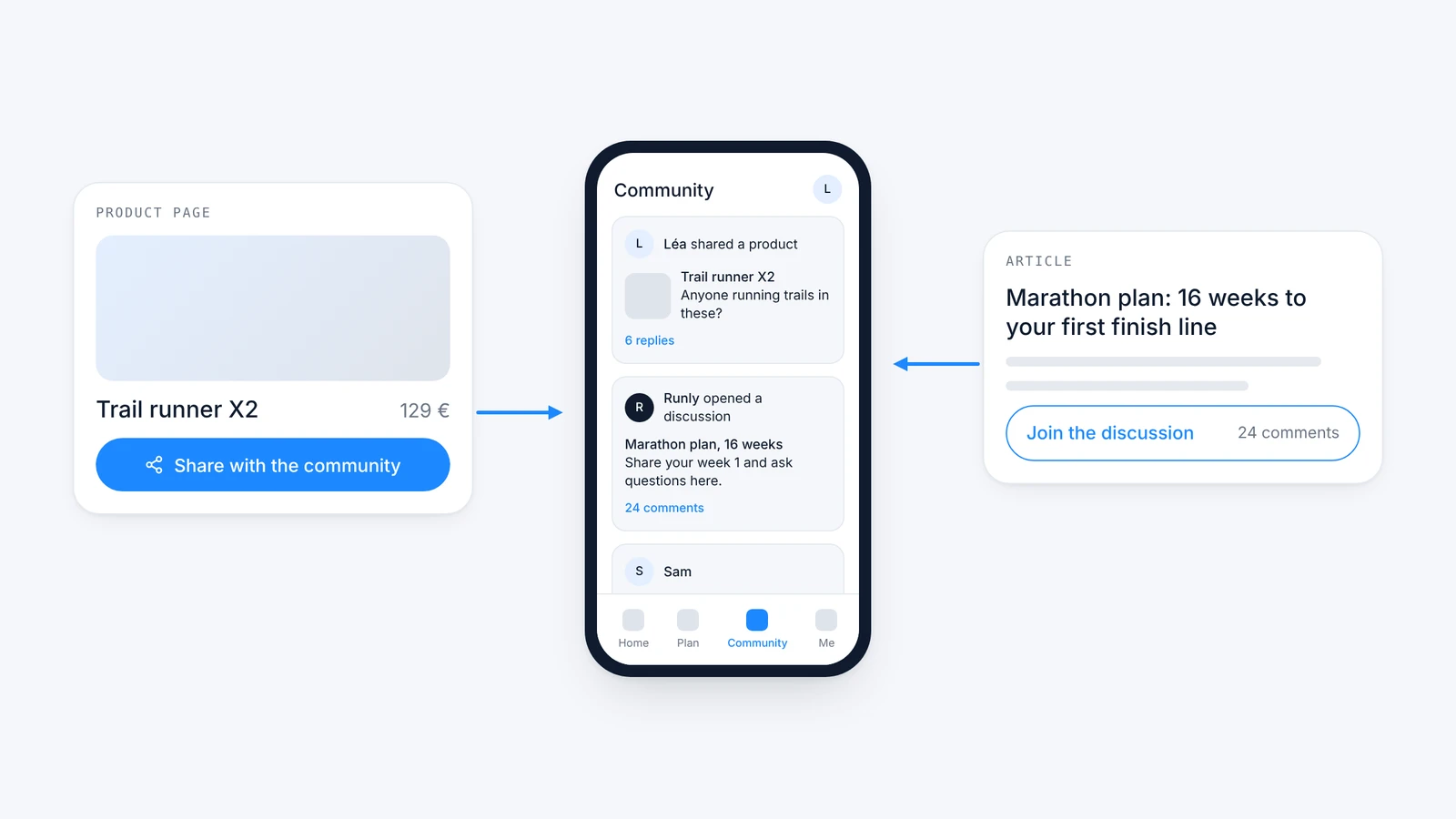
The community tab is only one entry point. Link the community from the product screens where users already have something to say, and let posts link back to the product. A finished workout, a sneaker release or a beauty product page can each open a discussion, and each discussion can send members back to the item it talks about.
In our communities, deep links from product screens bring 40% of community visits, and 30% of posts created include a deep link back into the app. Octopus Bridge connects product screens to discussion threads and share-to-community actions, which is how Coin ID links each coin in its catalog to a conversation.
7. Gamify and reward
Points, badges and status make contribution visible, and perks give it value: freebies, discounts or early access for the members who help others most. Members who see their status grow have a reason to come back tomorrow.
Reward the behavior you want and keep an eye on quality, or points will reward noise. When iMamma ran a 7-day gamification contest with a modest prize, its top member posted 2,133 comments and 18,202 reactions in a single week, the highest engagement per member we have measured. Octopus gamification lets you choose which actions earn points.
8. Make the community your support team’s best friend
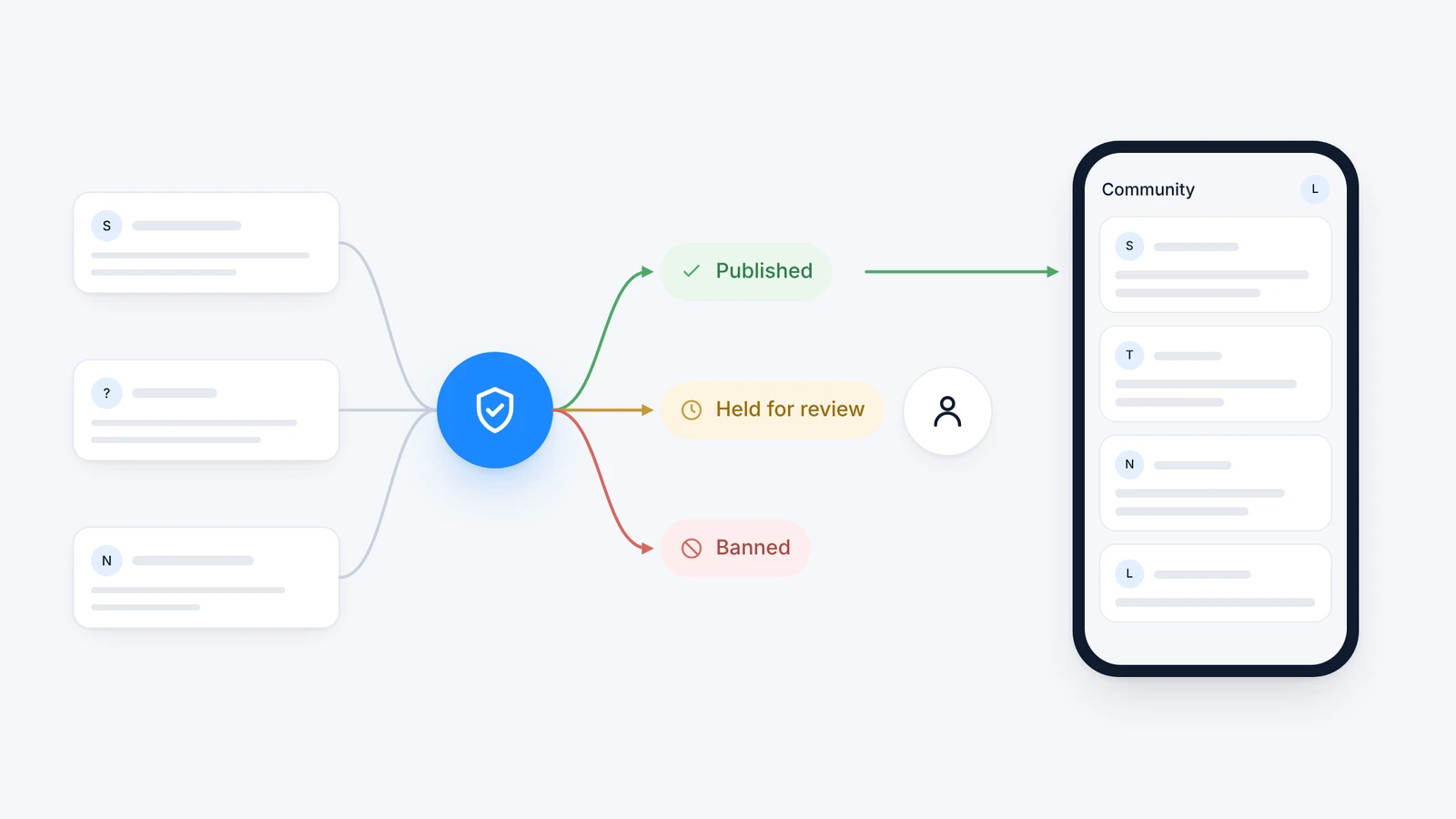
Moderation is the first worry of every team we talk to, and it does not have to be a job. AI moderation applies your own rules in any language, shadow bans repeat offenders, and hides content reported too many times until a human reviews it. The rules follow your business: Opla blocks external URLs and competitor mentions.
The same community also takes load off customer support. Members answer each other: at Kinomap, 47% of questions asked in the community are solved by other members. AI can answer the rest from your FAQ and brand content, either automatically or after a human validates the reply, and questions that need your team go straight to your support tool. See our guide to AI content moderation for how the rules are built.
9. Find your ambassadors at your doorstep
Your most active members already recommend your app to strangers, for free and with more credibility than a paid campaign. The community dashboard shows who they are: the members who post most, answer most and receive the most reactions.
Give them a reason to stay at the front. Open a premium group for top members with early news and direct access to your team, then build an ambassador program around them, the same way brands work with influencers. At Sephora, members already share release times and tips with each other before the brand does.
10. Put your community conversations to work
Every day, members tell you what they love, what they want and what annoys them. Read as a whole, those conversations feed every team:
- Content: trending topics become your next article, video or social post.
- CRM: recurring questions point to your next email or lifecycle campaign.
- User acquisition: members’ own words make the next ad creative.
- Product: polls validate ideas before you build them. Hotspot Shield’s largest product poll gathered almost 10,000 responses.
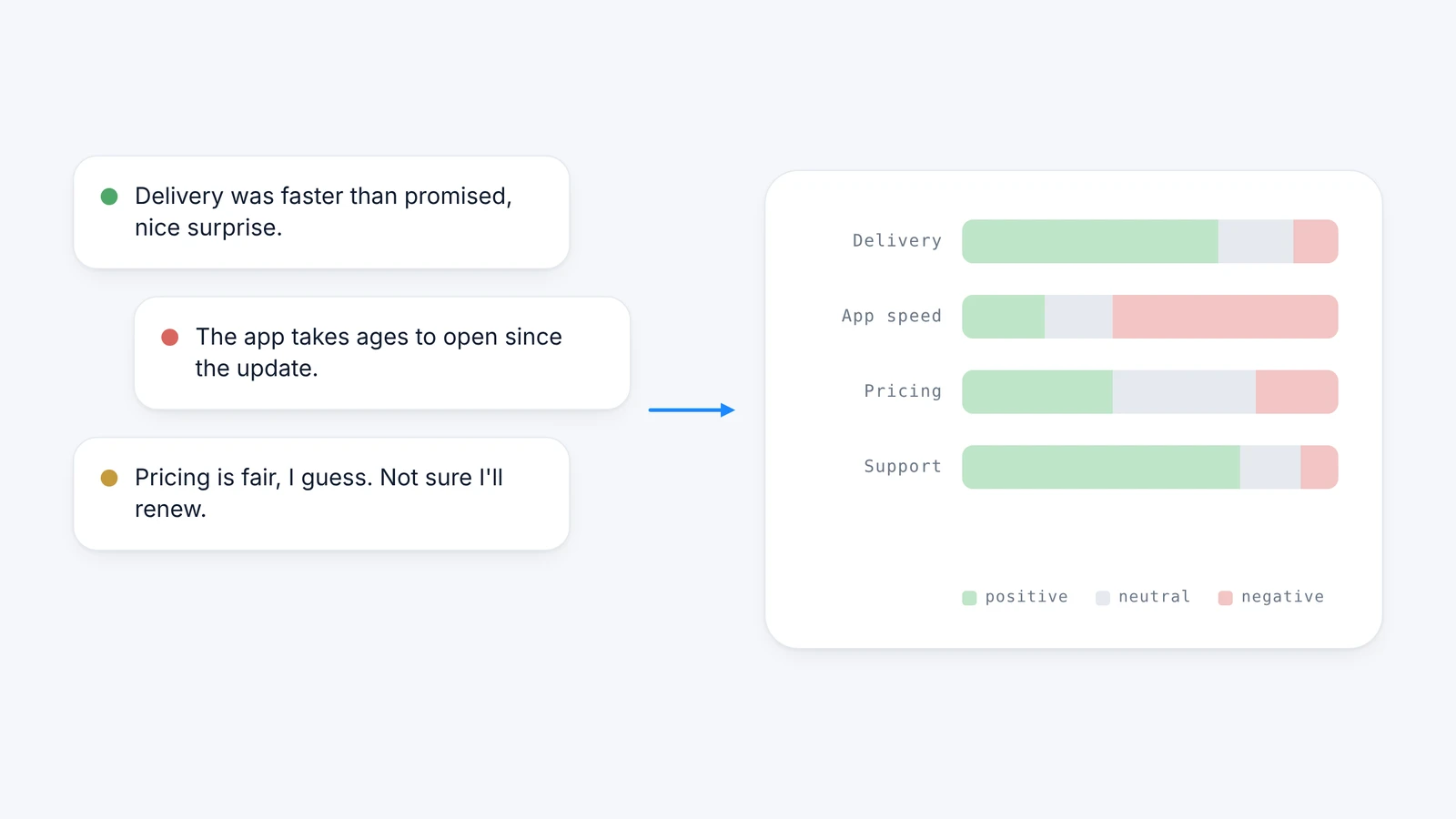
The community also moves revenue directly. Members of The Sole Supplier’s community set 60% more product alerts for restocks and releases than non-members, and Hellowork community members apply for jobs 50% more often than other users. Octopus sentiment analysis groups conversations into topics with their trend, so teams see the signal without reading every post. Our article on customer sentiment analysis explains the method.
Where to start
Pick the three tips your current setup misses most, then measure them against a control group. Retention, sessions and one business KPI (purchases, applications, alerts) tell you whether the community pays off. Our guide to community analytics details which metrics to track, and our app engagement strategies article shows where community fits among other levers.
Octopus integrates in 1 to 3 days on iOS, Android, React Native, Flutter, Unity and web. Book a demo to see what your own community could look like.
Frequently asked questions
What is an in-app community?
An in-app community is a social space built directly into a mobile app or website, with a feed, groups, posts, comments, reactions and polls. Members use their existing app account and never leave the product, so every conversation is tied to your users, your analytics and your revenue.
How long does it take to launch an in-app community?
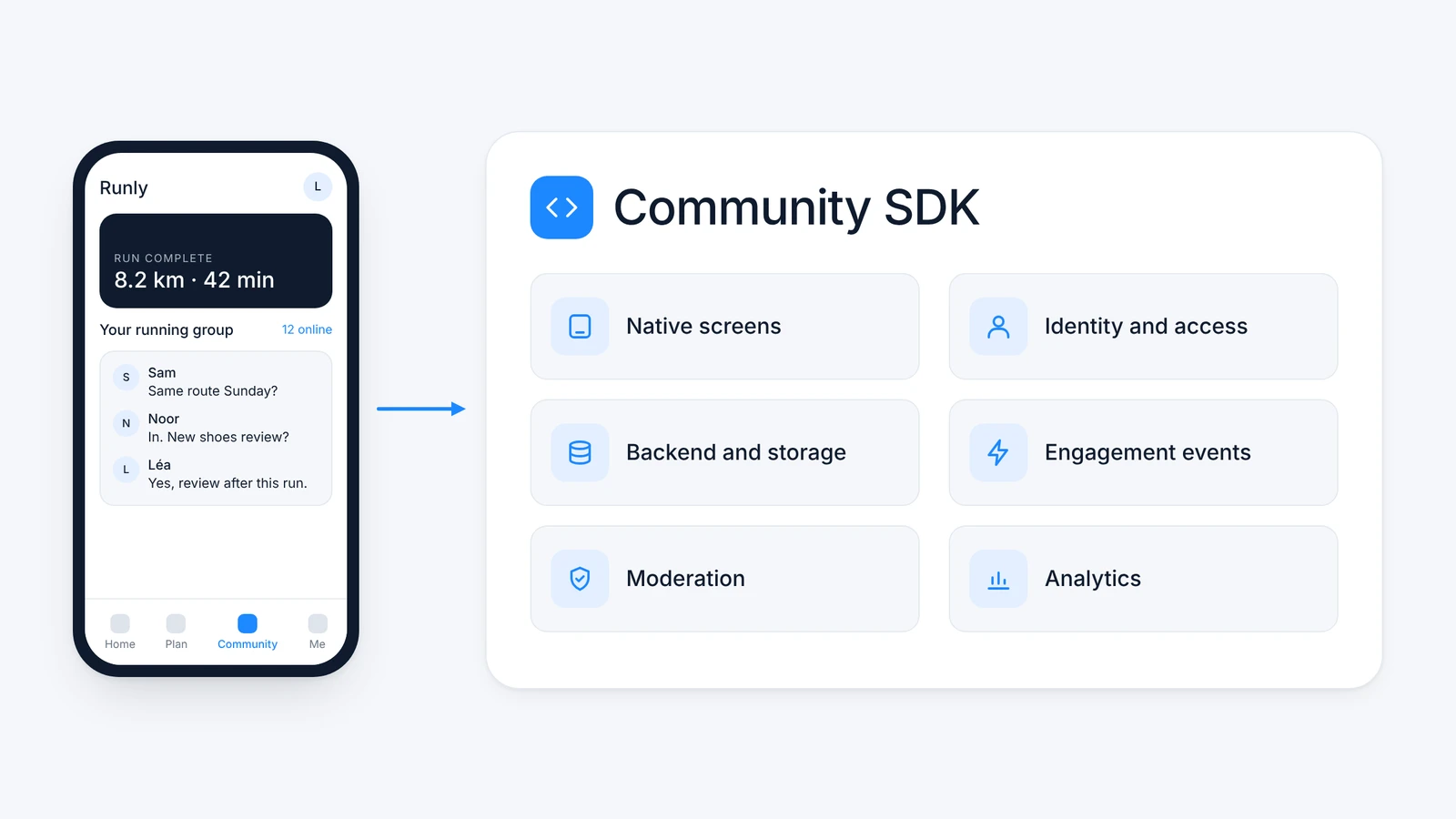
With an SDK such as Octopus, integration takes 1 to 3 days on iOS, Android, React Native, Flutter, Unity or web. Plan a little more time to configure moderation rules and to seed groups with content before you open the community to users.
Should we close our Discord server or Facebook group?
No, you can keep it. RunMotion kept its Facebook group and its in-app community still became 15x more active within weeks. The external channel stays home to a few superfans, while the in-app community reaches the much larger share of users who would never join a separate platform.
How do you moderate an in-app community without a moderation team?
AI moderation applies your own rules to every post and comment in any language, shadow bans repeat offenders and hides heavily reported content until a human reviews it. Your team only steps in on edge cases: Paris Turf Live runs its community with zero moderation effort on its side.
How does an in-app community generate revenue?
It moves the metrics that drive revenue: retention, session frequency and purchase intent. Community users come back more often, see more of your offers and act on them more, as with The Sole Supplier members who set 60% more product alerts. Conversations also feed your CRM, content and ad creatives.
How do you prove an in-app community works?
Run an A/B test against a control group that does not see the community. Compare retention at 30 days, app sessions and one business KPI such as purchases, subscriptions or applications. Comparing community users with everyone else is a useful signal, but only a control group isolates the community’s own effect.